
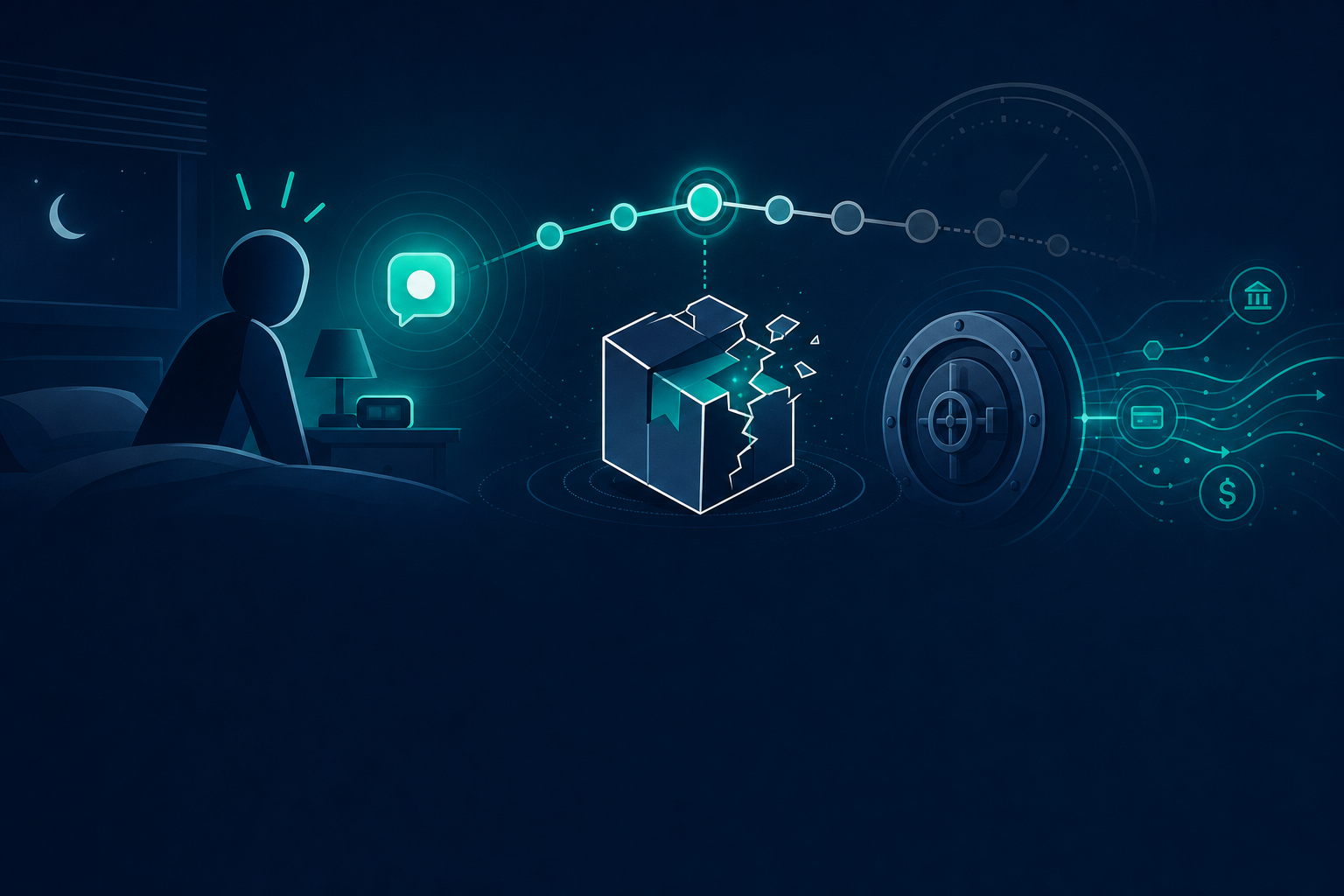
An SRE at a fintech company woke up to a Slack ping at 2am. A compromised npm package had shown up in last week's CI run, and nobody knew which laptops still had the bad version cached locally. The team spent six hours grepping ~/.npm and ~/.vscode/extensions across forty machines. Around hour four someone gave up and wrote a bash one-liner that missed half the dev-container volumes. By sunrise they had a partial answer and no confidence in it.
That scramble is the whole problem. The compromised package was a known quantity within minutes. The exposure was not. The team could tell you what CI built last Tuesday, but not what was sitting in a contractor's node_modules from three weeks ago or what an intern had run npm i -g on their personal machine.
Here's what most teams get wrong about local supply-chain exposure. They build their entire detection story around the registry and the repo, then discover during an incident that the blast radius lives on disk, in caches and editor folders their tooling never inventoried.
1. The CI lockfile is not the source of truth
Your package-lock.json on main tells you what the pipeline resolved during the last build. That is one filesystem at one point in time. It says nothing about the forty developer machines where the real work happens.
A contractor pulls a branch, runs npm install, gets a transitive dependency that later turns out to be malicious, then deletes the branch and forgets the node_modules. The lockfile in git rolled forward. The bad code is still on their disk. Same story for a global install:
npm i -g some-cli-tool # resolves whatever was latest that day, ignores your lockfile entirely
Global installs and stale local trees are invisible to anything that only reads committed manifests. The exposure you care about during an incident is the stuff that never made it back into git.
2. Scan machines, not just repos
Repo scanners and registry feeds catch what is declared. They miss local editor state unless you explicitly point tooling at those paths. A typosquatted extension sitting in ~/.vscode/extensions/some-typosquat-1.2.3 is a category the registry side does not see by default, because it was never a registry dependency in your project to begin with.
This is where an on-disk scanner earns its place. Tools like Perplexity's bumblebee read package manifests, VS Code extension folders, and dev-tool metadata directly off the machine, then flag exposure against a catalog of known compromises. It reads local metadata without executing any package manager, and default output is local NDJSON, so nothing leaves the machine unless you move it.
bumblebee scan --profile deep --root "$HOME" \
  --exposure-catalog ./catalog.json --findings-only > exposure.ndjson
One file per machine. Walk the actual filesystem and the typosquatted plugin shows up next to the npm cache hit.
3. Know where each tool stores things before 2am
Different OSes, different package managers, different IDE plugin folders. npm, pnpm, yarn, pip, cargo, VS Code, JetBrains, brew. They all stash artifacts in different places, and an incident is the worst possible time to learn that pnpm uses a content-addressable store:
~/.local/share/pnpm/store
If your grep was pointed at ~/.npm and the developer uses pnpm, you found nothing and concluded the machine was clean. It was not. A scanner that already knows every manager's layout removes the guesswork. You are answering "who is exposed," not relearning filesystem trivia under pressure.
4. Do not forget the dev-container layer
A dev container is its own filesystem with its own caches. If your scanner only runs on the host, you are checking an environment the developer may not actually build in. The compromised package got pulled inside the container, against the container's node_modules, and the host never saw it.
Run the scanner inside the container too, or mount the container volume and scan it from outside:
docker exec devcontainer bumblebee scan --root / --findings-only > container-exposure.ndjson
Anything driven by devcontainer.json is a separate surface. Treat it like one.
5. One scan is a snapshot, not a control
CVE feeds and supply-chain IoC lists update constantly. A scan from last month tells you nothing about the package flagged yesterday. The pattern that holds up is wiring the scanner into three places:
- Onboarding, so it runs on first laptop setup and ships in the bootstrap tarball.
- A weekly cron, so the inventory stays current as catalogs update.
- The incident-response runbook, as literal step one.
Output goes to a known location so security can pull it during triage. Findings get an owner instead of living in a dashboard nobody opens. And the scanner runs inside dev containers, not just the host.
Why this matters in production
The next compromised package is a question of when, not if. When it lands, the cost is measured in how fast you can scope exposure. The team that already has an on-disk scanner in its onboarding repo spends thirty minutes answering "who is exposed" and moves on to remediation. The team that does not spends six hours writing grep scripts and still misses three laptops, which means the incident is not actually closed; it is just out of attention.
That gap is also an on-call quality-of-life issue. Nobody wants to hand-roll filesystem archaeology at 2am. A scanner that already knows where pnpm and cargo and the VS Code extension folder live turns a six-hour panic into a command you run and a file you read.
Done right
Registry scanning tells you about your declared dependencies. On-disk scanning tells you about the machines those dependencies actually landed on, including the caches, global installs, editor extensions, and dev containers that the registry side never sees. You want both, and you want the local half installed before the incident, not improvised during it.
Want hands-on labs for wiring supply-chain scanning into onboarding and incident response? See tekanaid.com/courses.