
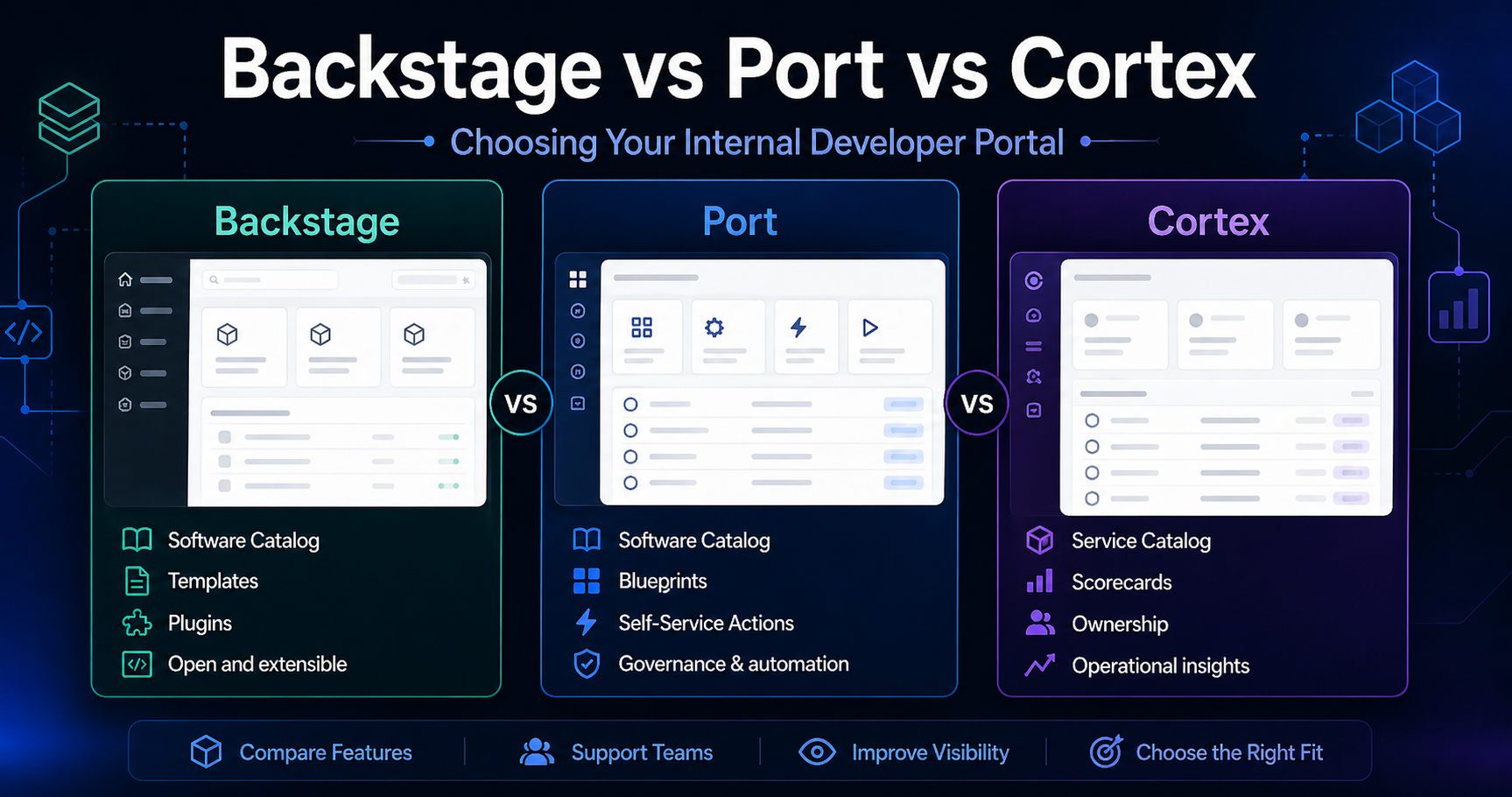
An Internal Developer Portal is the front door to your platform. It's where developers go to create services, find documentation, check compliance status, and understand their infrastructure, without opening a ticket.
Three tools dominate the conversation in 2026: Backstage, Port, and Cortex. They solve the same problem in fundamentally different ways.
The Contenders at a Glance
| Backstage | Port | Cortex | |
|---|---|---|---|
| Type | Open-source framework | SaaS platform | SaaS platform |
| Created by | Spotify | Port (startup) | Cortex (startup) |
| License | Apache 2.0 | Proprietary | Proprietary |
| Setup | Self-hosted | Cloud | Cloud |
| Plugin Model | 200+ community plugins | Built-in integrations | Built-in integrations |
| Pricing | Free (you run it) | Per-user SaaS | Per-user SaaS |
| Target | Engineering orgs 100+ | Engineering orgs 50+ | Engineering orgs 50+ |
Backstage: The Open-Source Powerhouse
Spotify built Backstage to solve a real problem: 1,500+ engineers, 10,000+ microservices, and no way to find anything. They open-sourced it in 2020, donated it to the CNCF, and it's now the most adopted developer portal framework.
What Backstage gets right:
- Software Catalog. The core of Backstage. Every service, website, library, and data pipeline, registered, owned, and searchable. YAML definitions in each repo auto-register via GitHub discovery.
- Software Templates. One-click service creation. Developer fills in a form → Backstage scaffolds a repo with your standards (CI config, Dockerfile, monitoring, ownership). This is Backstage's killer feature.
- TechDocs. Documentation-as-code. Markdown in your repo → published documentation portal. No wiki drift.
- Plugin ecosystem. 200+ open-source plugins, Kubernetes dashboard, Grafana graphs, PagerDuty on-call, Lighthouse scores, cost insights. If you need something Backstage doesn't do, you write a plugin in TypeScript.
The catch: You're running Backstage yourself. It's a Node.js app backed by PostgreSQL. Production deployment means configuring auth (OAuth2/OIDC), setting up persistent storage, and managing upgrades. The Backstage team ships a new release every month.
Best for: Organizations with 100+ engineers who need heavy customization, want to own their platform, and have the engineering bandwidth to run Backstage.
Port: The SaaS Alternative With a Data Model
Port takes a fundamentally different approach. Instead of a customizable plugin framework, Port is a metadata-driven SaaS platform that models your entire engineering ecosystem.
What Port gets right:
- Entity-first data model. You define blueprints (service, environment, cluster, pipeline, domain) and relationships between them. Everything in Port maps to entities.
- Auto-discovery via integrations. GitHub, GitLab, Kubernetes, PagerDuty, Datadog, Jira, Point-and-click setup instead of coding plugins. Port discovers your services from what you already have.
- Self-service actions. Define actions (create service, deploy, rollback, add secret) and expose them through the portal. Backstage does this with templates; Port does it with workflows.
- No infrastructure. Port runs it. You configure it. No PostgreSQL, no Node.js, no Kubernetes deployment.
The trade-off: Less customizable than Backstage. If Port doesn't have an integration for your tool, you're using their API or waiting. No building plugins in TypeScript.
Pricing is per-user, which can add up for large orgs. But you're not paying the engineering cost of running Backstage.
Best for: Mid-size organizations (50-500 engineers) that want a developer portal without the infrastructure burden. Teams that value fast setup over deep customization.
Cortex: Scorecards and Service Ownership
Cortex takes the most opinionated approach: the developer portal should drive engineering excellence through service scorecards and clear ownership.
What Cortex gets right:
- Scorecards. Define what "good" looks like for a service, test coverage >80%, on-call assigned, documentation exists, DORA metrics in range. Cortex scores every service automatically against these criteria.
- Initiatives. When scorecards show problems (e.g., "30 services lack an on-call rotation"), create an Initiative to fix it. Track progress across teams.
- Service ownership. Every service has an owner. Cortex surfaces orphaned services, overloaded owners, and organizational risk.
- Scaffolding. Similar to Backstage templates, create repos with your standards.
The trade-off: Cortex is the least customizable of the three. It's opinionated about what a developer portal should do (scorecards + ownership + scaffolding), and if your needs don't map to that model, you're fighting the tool.
Best for: Engineering organizations that want to drive service quality and operational maturity. Teams where scorecards and accountability are the primary portal use case.
Decision Framework
Pick Backstage if:- You have 100+ engineers and need deep customization
- You want to own and control your developer portal
- You have the engineering bandwidth to run and customize it
- You need the plugin ecosystem (200+ plugins, write your own)
- You want a developer portal without running infrastructure
- Fast setup matters more than deep customization
- You have 50-500 engineers
- Your tools have standard integrations (GitHub, K8s, Datadog, PagerDuty)
- Service quality and scorecards are your primary goal
- You need to drive engineering initiatives across teams
- Service ownership clarity is a current pain point
- You want an opinionated tool that tells you what to fix
The Build vs Buy Trade-Off
Backstage = build. You control everything, but you run everything.
Port and Cortex = buy. You configure, they run.
This is the real decision. If your organization's core competency includes running production infrastructure, Backstage is a natural fit. If you'd rather focus on building your product and pay someone else to run the portal, Port or Cortex makes more sense.
Getting Started With Backstage
Backstage has the steepest learning curve of the three, but also the most demand. Job descriptions for "Backstage Engineer" and "IDP Engineer" are growing 3x year-over-year.
Backstage 101 covers the full platform: setting up Backstage locally and in production, the Software Catalog (auto-discovery and manual registration), Software Templates (creating golden paths), TechDocs, and writing custom plugins. Real labs on a real K8s cluster. Learn more
Get the Backstage Setup Blueprint
Architecture diagram and setup checklist for deploying Backstage. Free when you subscribe.